
Templates, colours and background logo
Choose one of 20 templates for each Brand, apply your colours and add a background logo — with a live preview.
Document Design
Save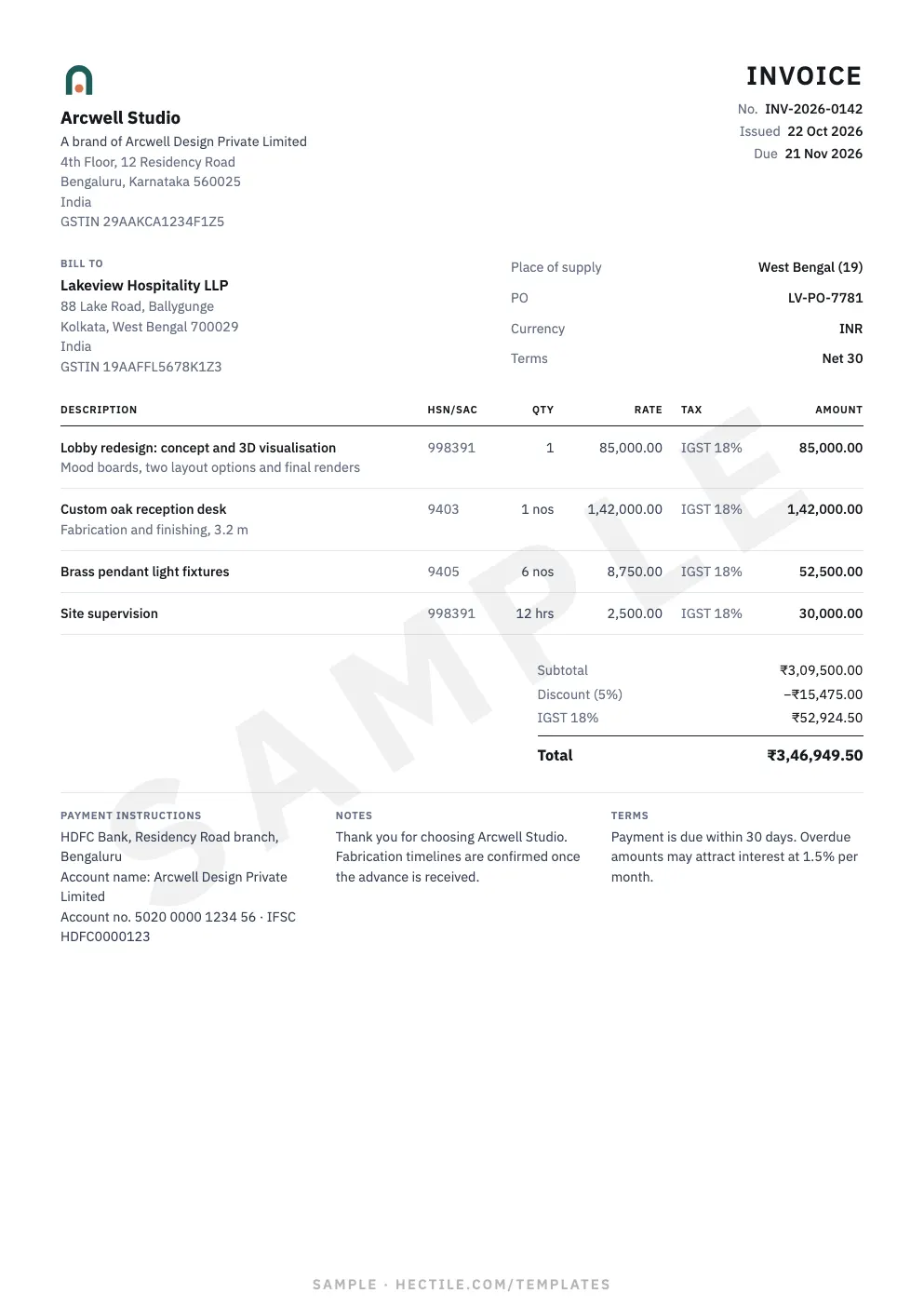
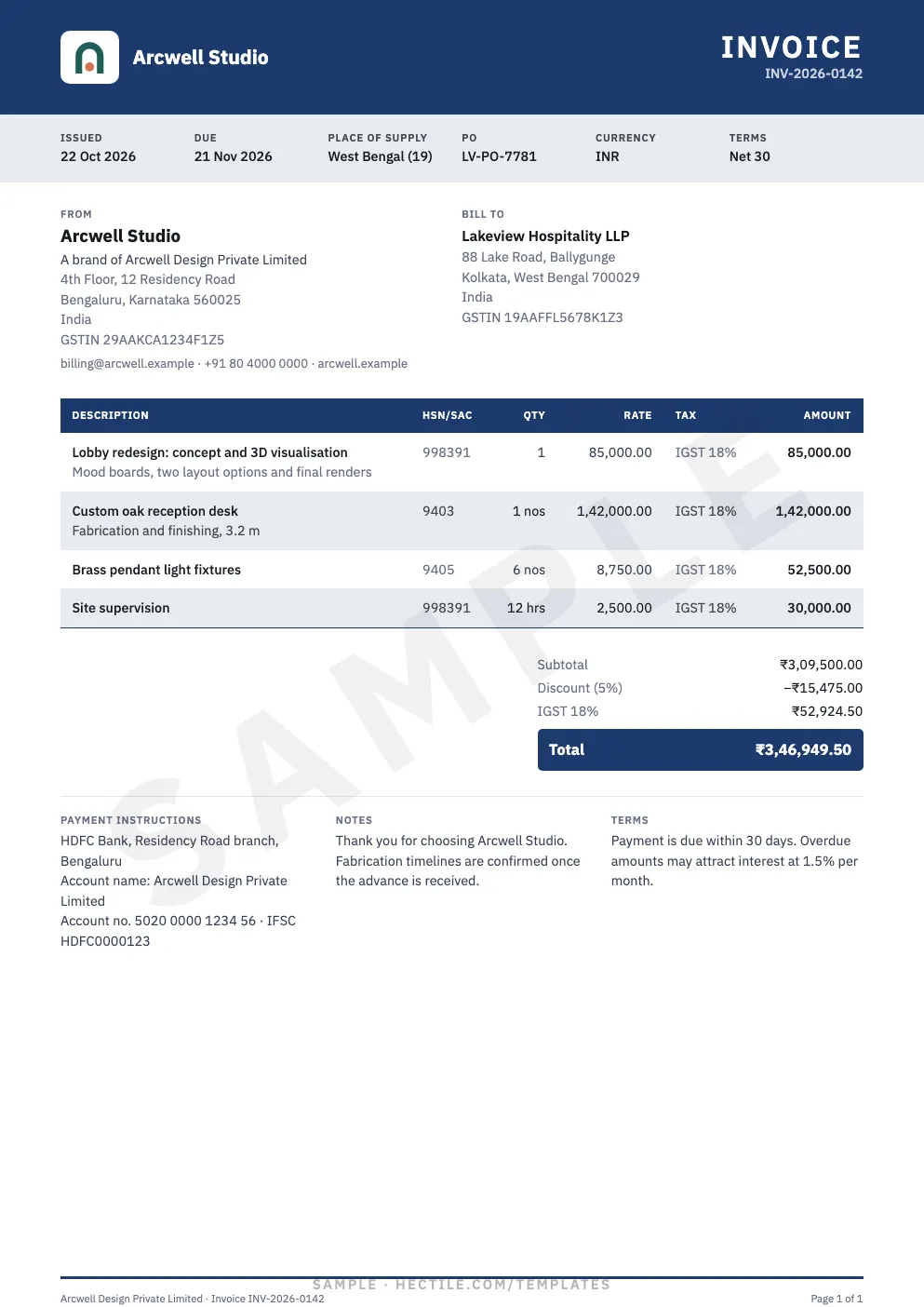
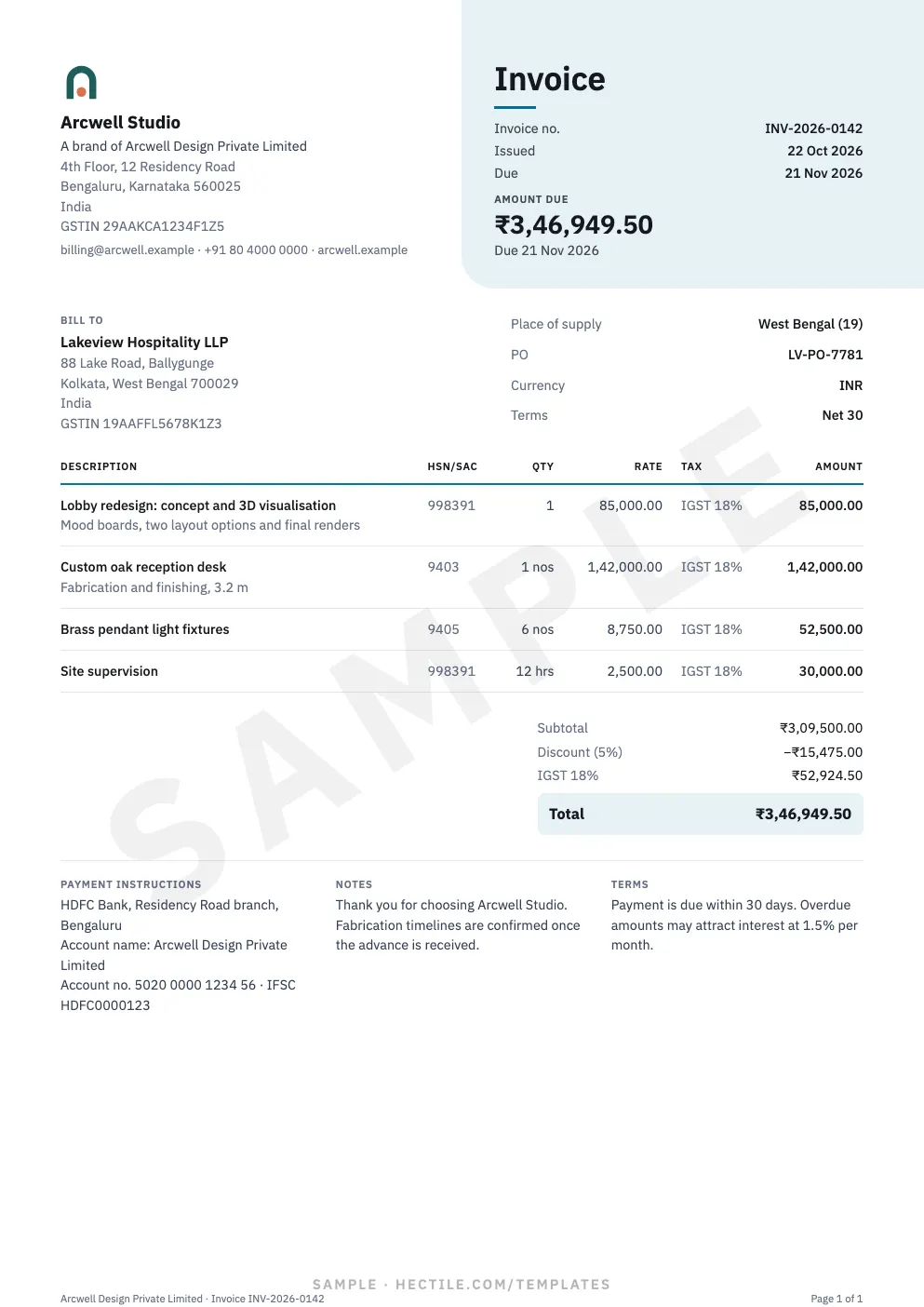
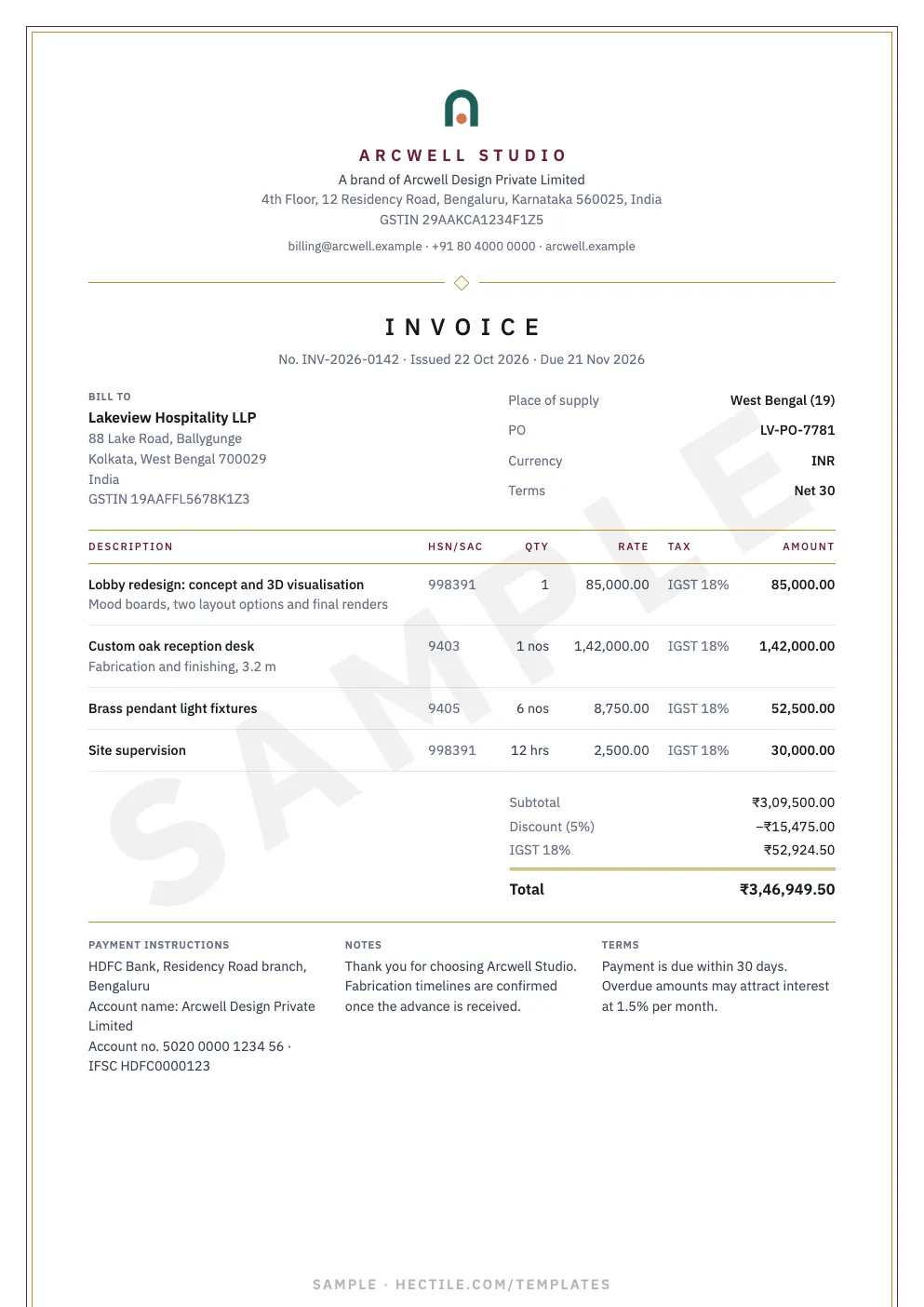

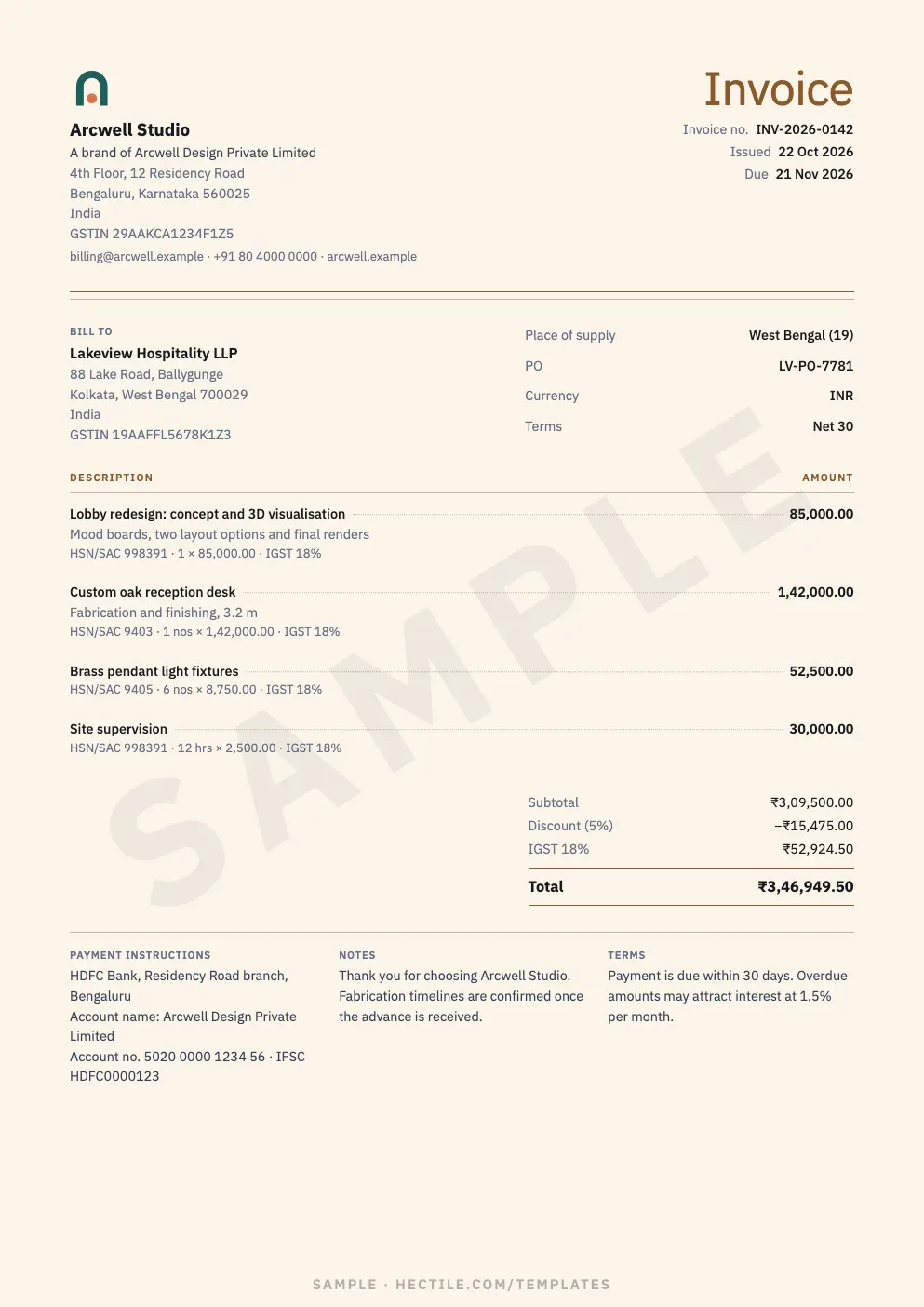
- Template — Change template shows each one large, in your colours, before you choose.
- Colours — an accent and a second colour: presets, any colour code, or colours found in your logo.
- Background logo — your logo or another image as a watermark, 3–20% strength.
- Open Settings → Document Design
With the Brand selected.
- Change template
20 designs in Professional, Minimal, Modern, Creative and Elegant.
- Set colours
Contrast guards keep text readable automatically.
- Add a background logo (optional)
Centred or repeated, greyscale, original or tinted, with a readability check.
- Save
New documents and drafts use it. Issued documents keep their design forever.
Browse all templates first in the template gallery.
Use Full size to see the PDF page at 100% before saving — especially with a background logo.
Common questions
Can invoices and estimates use different templates?
Each Brand uses one template for both. Different Brands can differ.
Why is my accent colour darker in text?
An accent too light for text on white is darkened for text only, so it stays readable.
Keep going
Still stuck? Contact Support.
Tell us what you were trying to do and which Organization, Brand or document it relates to. The support subject is preselected.
Try it on your own documents.
A 7-day free trial for your first eligible owned Organization, with one Primary Brand and one member.