
Documents that look like your brand
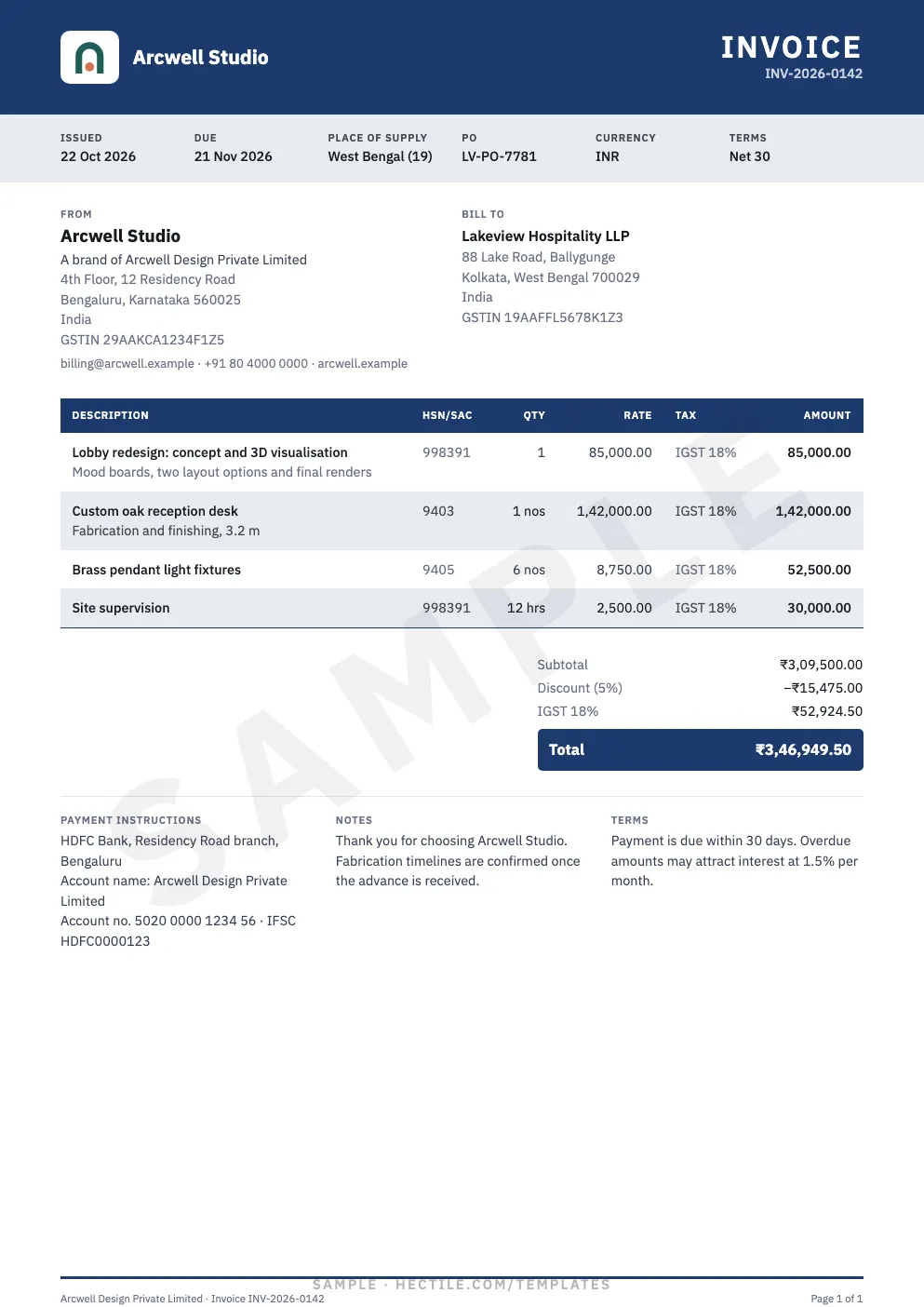
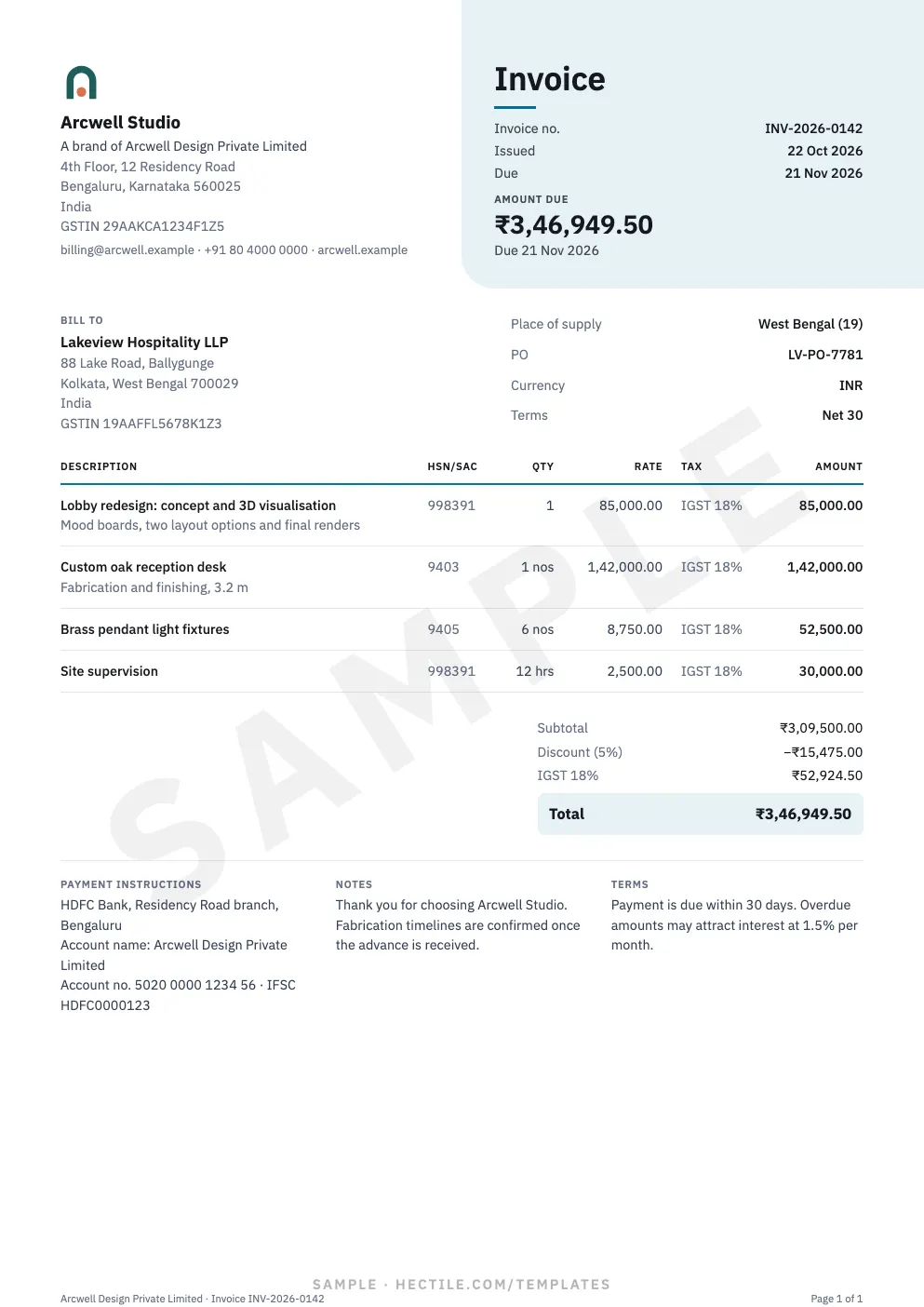
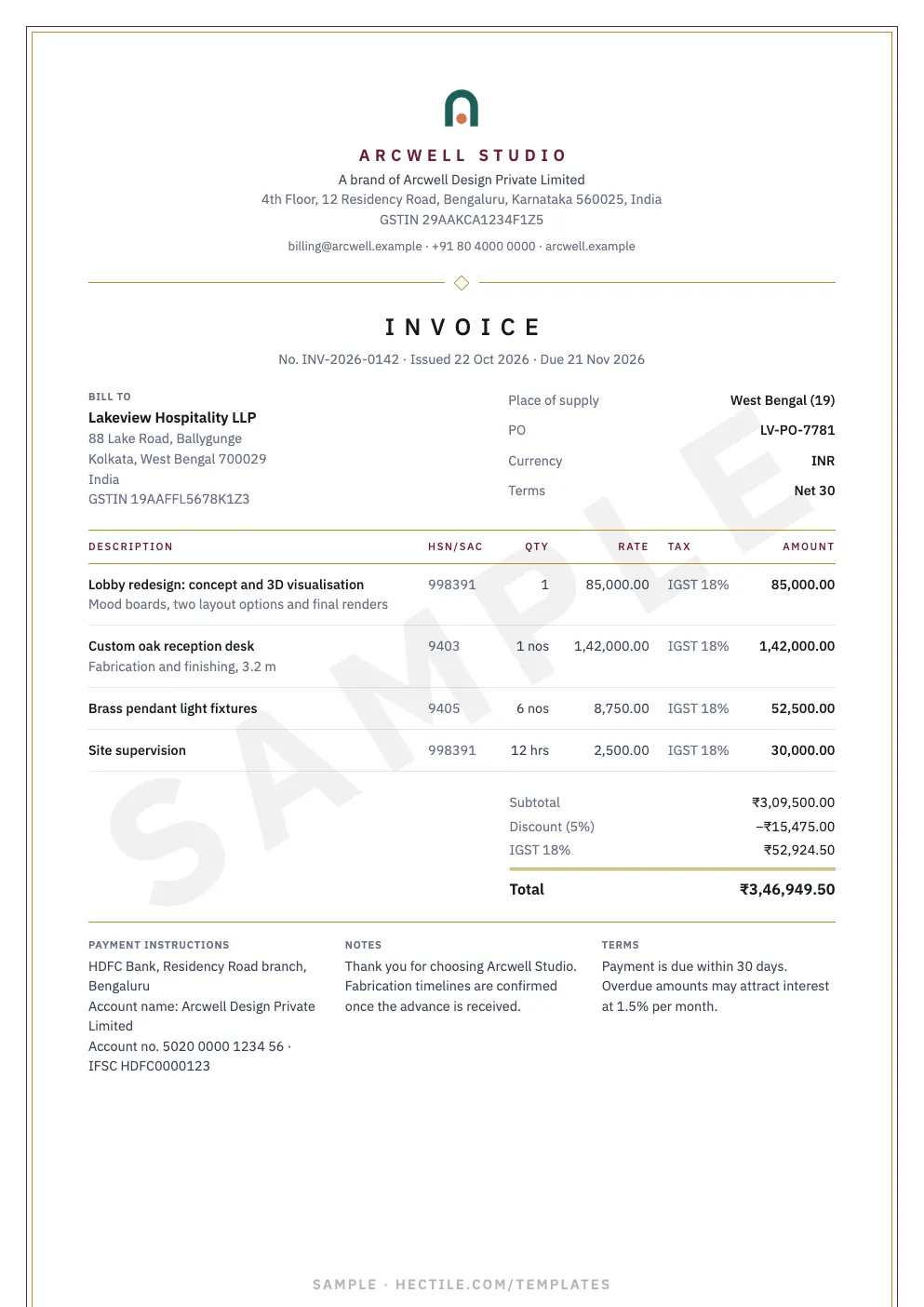
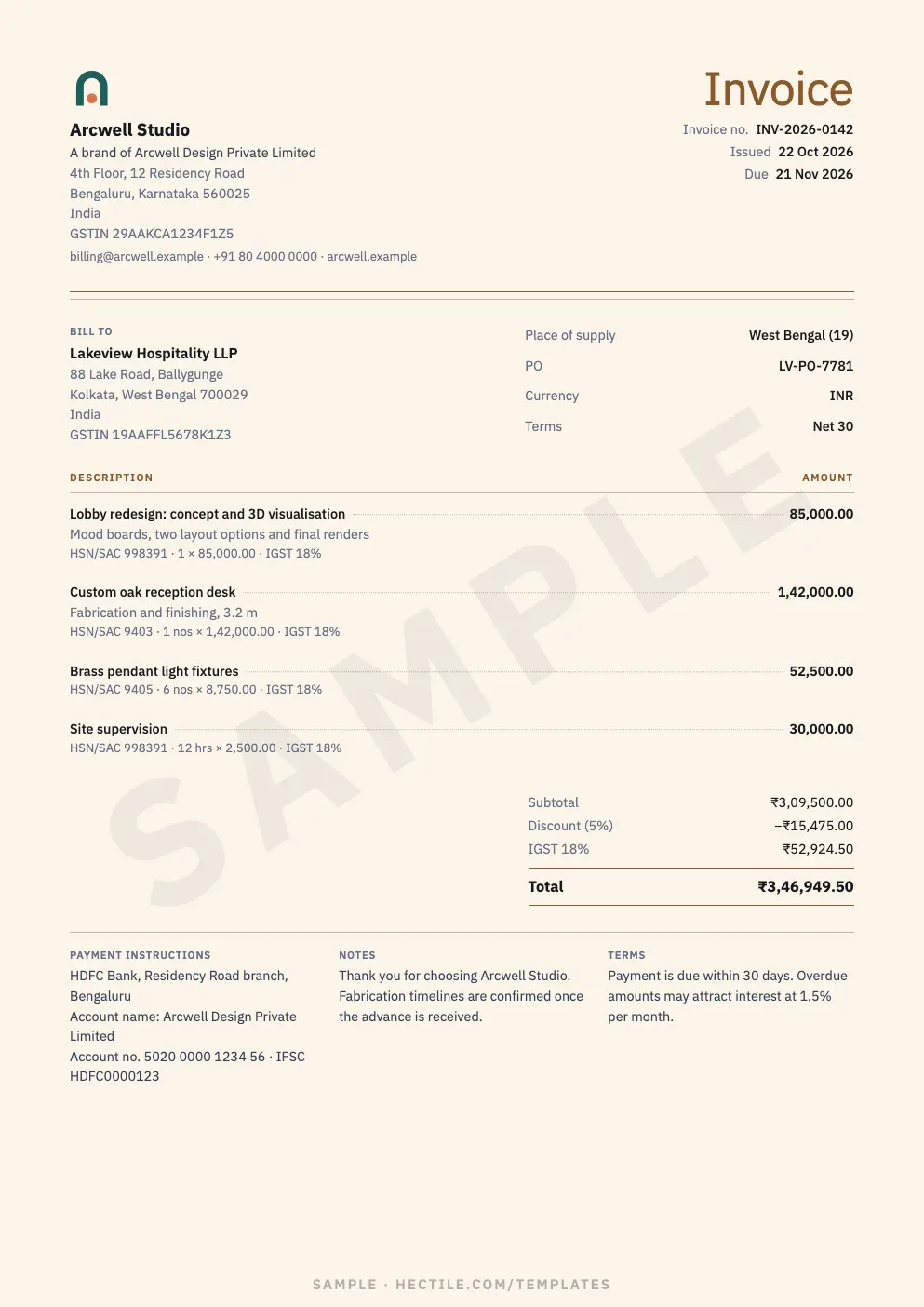
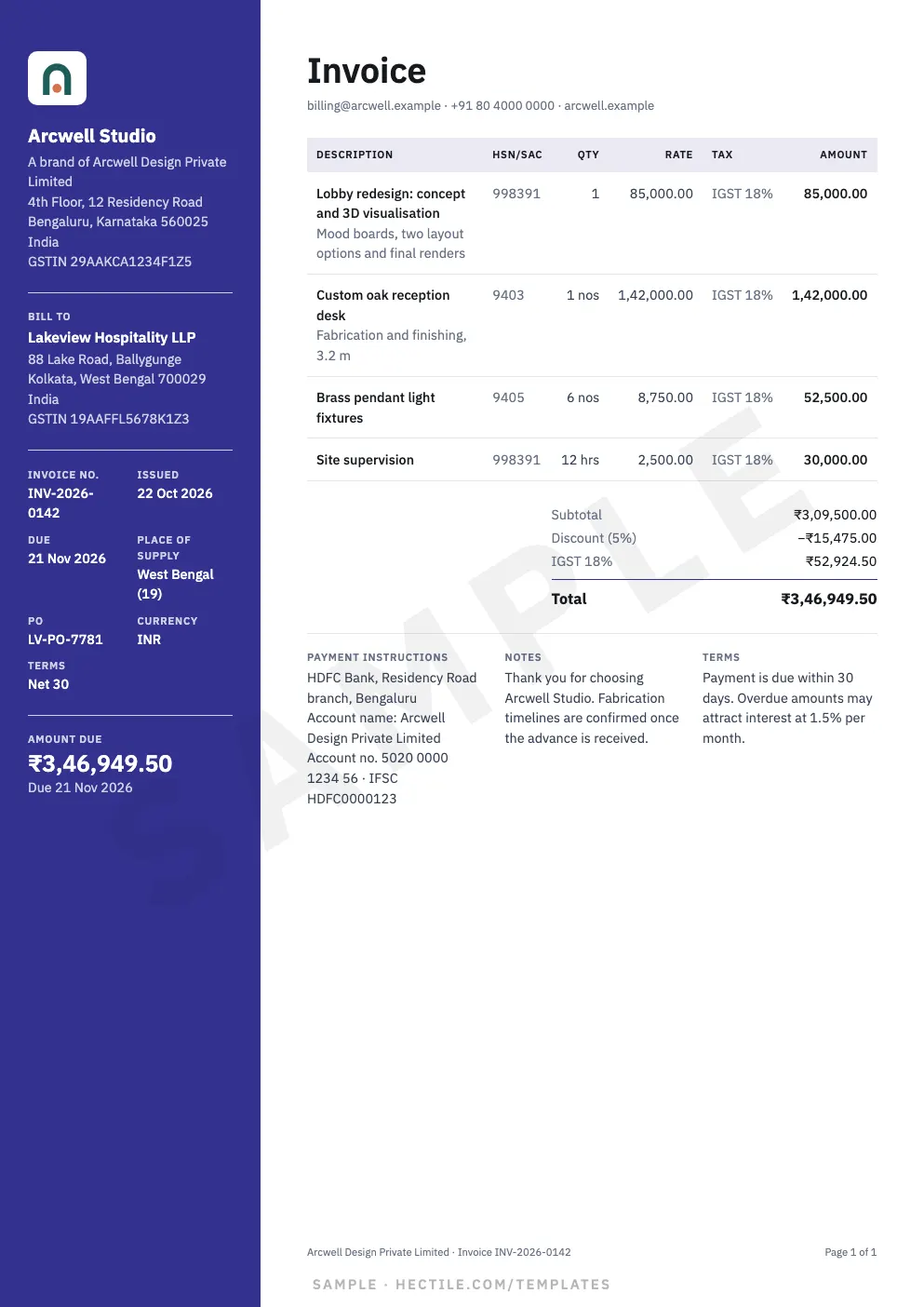
Choose from 20 templates in five styles — Professional, Minimal, Modern, Creative and Elegant. Apply your Brand’s colours, add a subtle background logo, and every invoice and estimate from that Brand looks the part.
Document Design
Save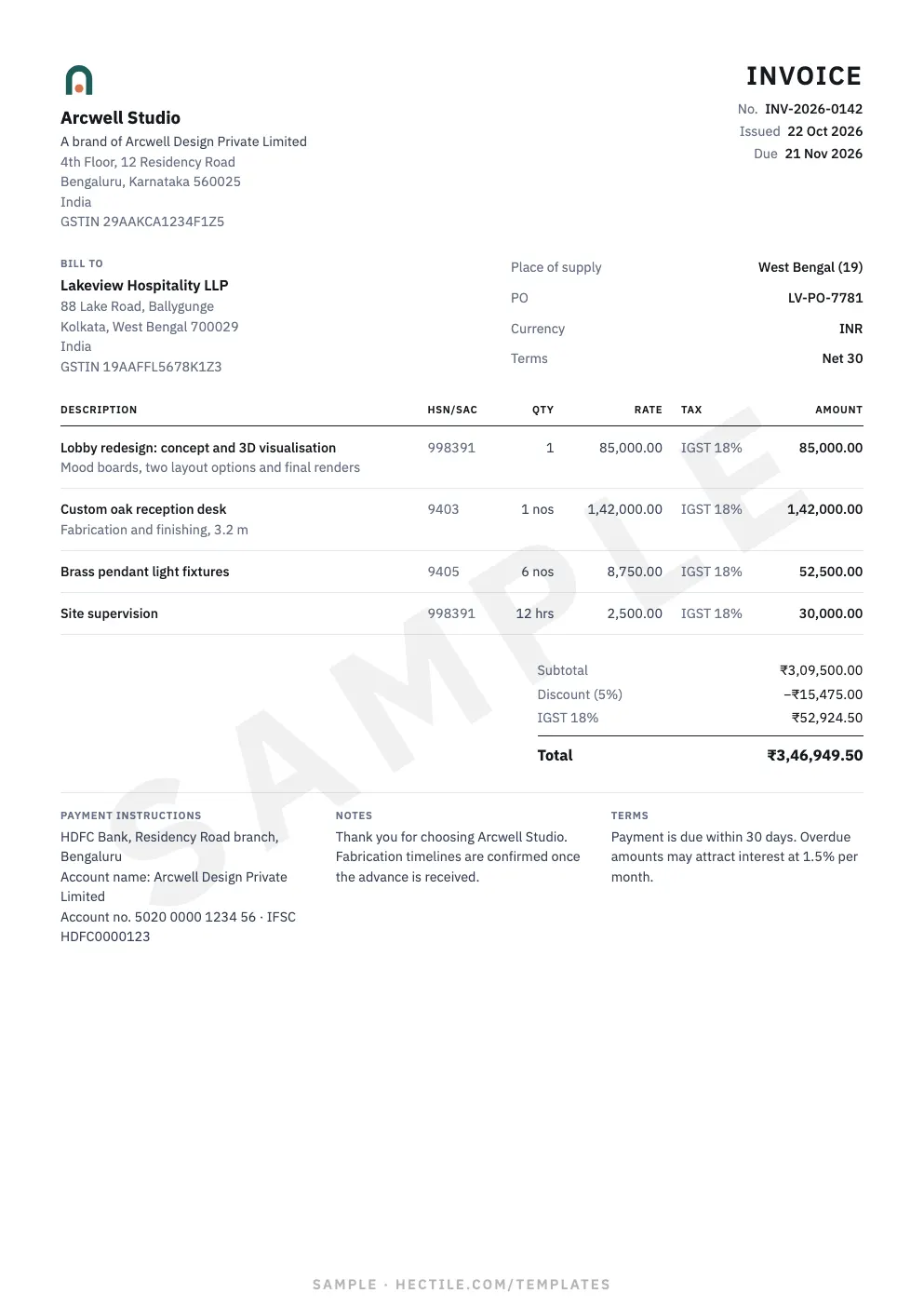

What you can do with it
20 templates
Five styles, one choice per Brand for invoices and estimates.
Your colours
An accent and a second colour — presets, any colour, or found in your logo.
Background logo
Your logo as a watermark: centred or repeated, 3–20% strength.
Readable by design
Contrast guards keep text legible on every colour.
Four steps, no training needed
Open Document Design
Settings → Document Design, for the Brand you’re working on.
Pick a template
Change Template shows each one large in your colours first.
Set colours and logo
Accent, second colour and background logo with a readability check.
Save
New documents use it; issued ones keep the design they were issued with.
Four brands, four identities
Each Brand chooses its own template, colours, logo and background logo — so Harbor Marketing’s estimates look nothing like Northstar Software’s invoices, while both come from one Organization and one customer list.
The page, the link and the PDF agree
The same design draws the editor preview, the document page, your customer’s link (on a phone too) and the PDF. Emails stay clean and neutral, led by your Brand.
Related features
Signature, words & custom fields
Signature or stamp, total in words, custom fields, Ship To and company particulars.
Multiple brands
Every trading name in one Organization — own logo, numbering and template, shared customers.
Features & fields
Turn off what you don’t use and choose the fields each document shows — Hectile fits you.
Questions about Templates & design
Can I use different templates for invoices and estimates?
Each Brand chooses one template for both, so your documents are consistent. Different Brands can use different templates.
Will changing the template change old invoices?
No. Issued documents keep the design they were issued with, forever.
Can I try templates during the trial?
Yes. Organizations exploring Hectile can preview every template and option before the trial starts; saving needs an active trial or plan.
Can I see the templates first?
Yes — browse all 20 in the template gallery.
Try Templates & Design on Your Own Documents.
Start a 7-day free trial and see it with your customers, your Brand and your numbers.