How to Write a Professional Invoice: A Step-by-Step Guide for Small Businesses
Every field an invoice needs, a worked example you can copy, and the small mistakes that quietly push your payment back by weeks.
Written by: Hectile TeamPublished 8 min read
In this article0% read
A friend who runs a small design studio once waited 41 days for a payment that should have taken 14. The work was approved and the client was happy. The problem was a single missing line: the client's purchase order number. Their accounts team bounced the invoice, nobody told her, and she found out only when she called to ask where the money was.
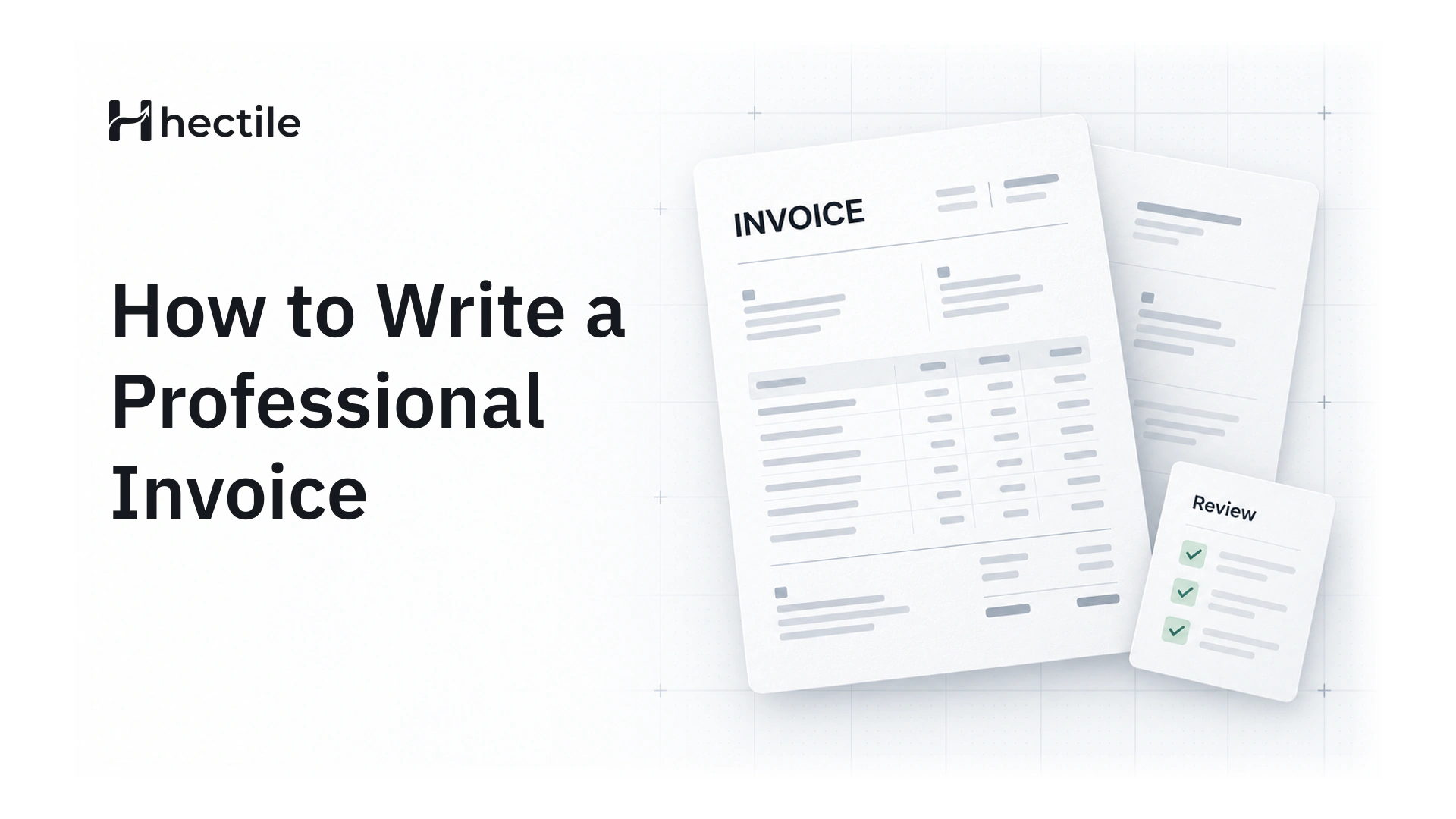
That story is more common than it should be. An invoice looks like a simple document, but it does three jobs at once, and if it fails at any of them your payment slows down. This guide walks through how to write a professional invoice that gets approved the first time, with an example you can borrow and a checklist to run before you hit send.
What a good invoice actually does
Before getting into fields and formats, it helps to know what the document is for. A professional invoice:
- Asks for payment clearly. The amount, the due date and how to pay should be obvious within five seconds of opening it.
- Proves what was sold. It's the record both of you will look back on if there's ever a question about scope or price.
- Keeps your books and tax records straight. Your accountant, your tax authority and your client's finance team all rely on it.
If you keep those three jobs in mind, most formatting decisions answer themselves.
The parts of a professional invoice
Your business details
Put your business name exactly as it's registered, your address and your contact email. If you're registered for a sales tax such as GST or VAT, your registration number belongs here too. If you trade under a brand name that differs from your legal name, show both: the brand at the top, and the legal entity somewhere clear, usually near the bottom.
Your customer's details
Use the customer's legal or billing name, not the name of the person you've been emailing. Add their billing address and, for business customers, their tax number if they have one. This is also where you include any purchase order number or reference they gave you. Large companies often can't approve an invoice without it.
Invoice number and dates
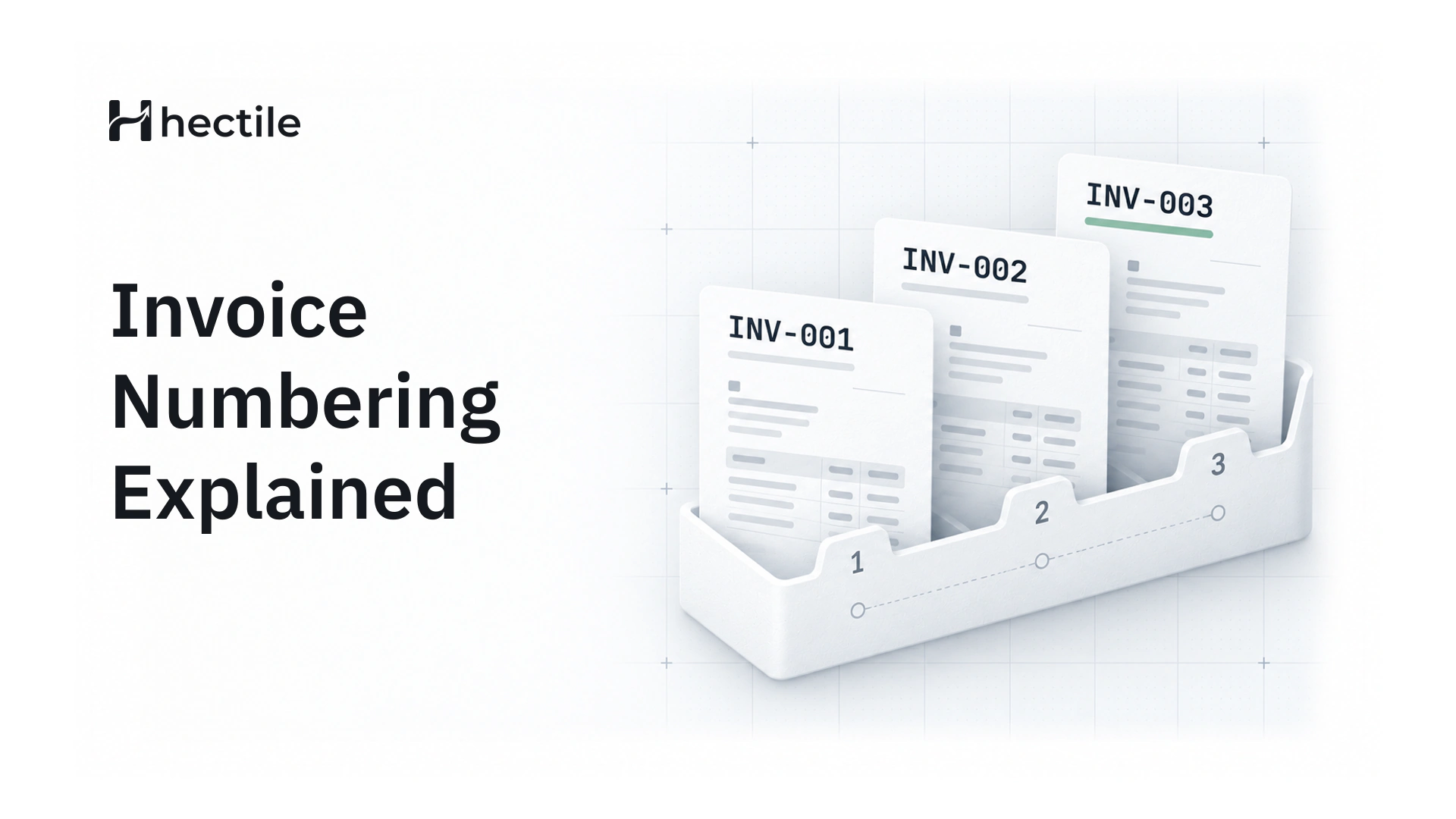
Every invoice needs a unique invoice number that follows a sequence. It's how both sides find the document later, and in many countries it's a legal requirement. You'll also want:
- the issue date (the day you send it)
- the due date (or the payment terms, such as "Net 15")
- the date of supply, if it's different from the issue date
We've written a separate guide on invoice numbering formats and the rules behind them if you're setting up a system for the first time.
Line items
This is where most invoices go vague. "Design work, September" tells your client almost nothing. "Homepage redesign, 2 revision rounds, delivered 18 September" tells them exactly what they're paying for. Each line should have a description, a quantity, a rate and a line total.
Tax and totals
Show the subtotal, each tax separately (with its rate), any discount, and the final total. If your customer has already paid a deposit, show what's been paid and the balance due, because that's the number they'll actually transfer.
Payment instructions and terms
Tell people how to pay: bank details, UPI ID, or whatever method you accept. Then add your terms in a sentence or two. Late fees, if you charge them, belong here, stated plainly.
How to write an invoice, step by step
Here's the order we'd follow when writing one from scratch:
- Confirm what you're billing for. Check the agreed estimate or quote, any changes since, and the purchase order if there is one.
- Pick the right business identity. If you run more than one brand, make sure the logo, name and numbering belong to the brand that did the work.
- Add the customer's billing details. Copy them from the customer's own paperwork rather than from memory.
- Assign the next invoice number. Never reuse one, and avoid gaps where you can.
- Write the line items. One line per deliverable or service, with quantity and rate.
- Apply tax correctly. Use the right rate for the customer and the place of supply.
- Set the due date and payment instructions. Make it impossible to misread how and when to pay.
- Review, then send. Read it as your client's finance team would, then send it as a PDF or a secure link.
A worked example
Here's what the line items on a simple service invoice might look like for a small studio billing a client in USD:
| Description | Qty | Rate | Amount |
|---|---|---|---|
| Brand identity design, logo and colour system | 1 | 2,800.00 | 2,800.00 |
| Website design, 6 page templates | 1 | 1,600.00 | 1,600.00 |
| Hosting setup and handover | 1 | 400.00 | 400.00 |
| Total | USD 4,800.00 |
Notice that each description would make sense to someone who wasn't in any of the meetings. That's the test.
Mistakes that quietly delay payment
Most late payments aren't caused by clients refusing to pay. They're caused by invoices that can't be approved. The usual culprits:
- Missing references. No purchase order number, no project code, or the wrong contact person.
- The wrong legal entity. Billing "Acme" when the contract says "Acme Trading LLC".
- Vague descriptions. If someone has to email you to ask what a line means, the invoice sits in a queue.
- No clear due date. "Payment due soon" isn't a date.
- Arithmetic errors. One wrong total and the whole invoice comes back.
- Editing an invoice after it's been sent. Two versions with the same number is an audit headache and a trust problem.
That last one deserves a note. Once an invoice has been issued, the safe way to fix a mistake is to cancel it and issue a corrected one with a new number, so there's a clean record of what happened.
Templates, free generators or invoicing software?
A Word or spreadsheet template is fine for your first few invoices. The trouble starts around invoice number twenty. You start copying last month's file, forgetting to change the date, losing track of which number comes next and keeping payment records in a separate spreadsheet that's never quite up to date. Free online generators have a different set of problems, which we've covered in detail in the hidden costs of free invoice generators.
Invoicing software solves this by keeping the whole lifecycle in one place. In Hectile, for example, an invoice starts as a Draft with no number, so you can edit it freely. When you finalize it, Hectile assigns the next number in that brand's sequence and locks the financial details, so the issued version can't drift. You can then email it with a PDF and a secure link, or simply download the PDF. When the client pays, you record the payment, including part payments, and the balance updates itself.
If you want to see the steps without committing to anything, the online invoice generator page shows the full flow, and our Help article on invoices explains each state an invoice moves through.
A quick checklist before you hit send
Run through this list every time. It takes thirty seconds:
- Is the customer's legal name and billing address correct?
- Is the purchase order or reference number on it?
- Does every line make sense to someone who wasn't in the meetings?
- Are tax rates and totals correct?
- Is the due date a real date?
- Are your payment details current?
- Is it going to the person who actually approves invoices, not just your day-to-day contact?
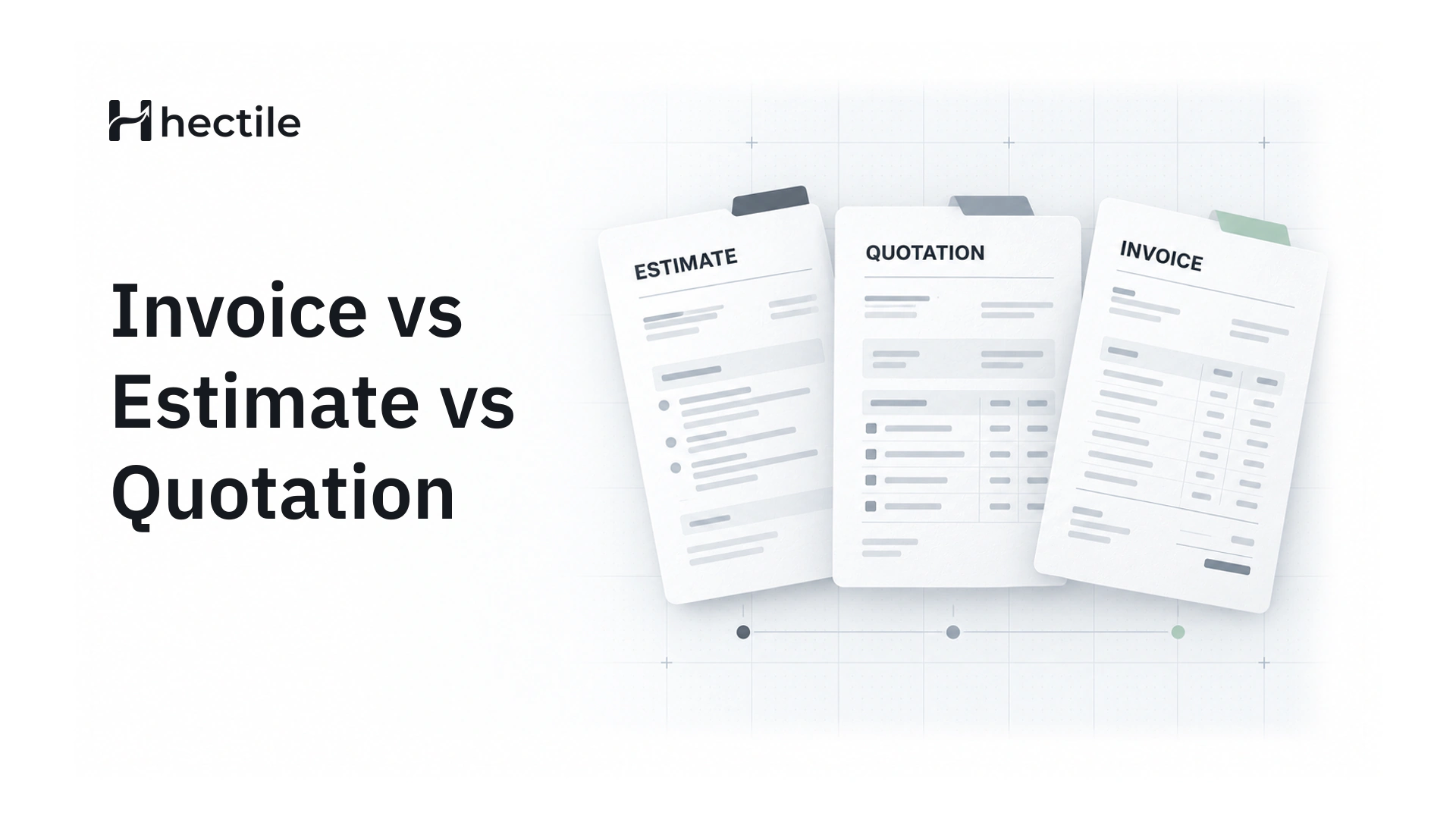
If you also send estimates before the work starts, our guide to the difference between an invoice, an estimate and a quotation shows how to carry the agreed details straight into the invoice, so nothing gets retyped.
What to do after you send it
Sending the invoice isn't the end of the job. A few habits make the difference between being paid on the due date and chasing for a month.
First, check that it actually arrived. If you send a secure link, you can see when the client opens it; if you only email a PDF, a quick "just confirming you received this" a day later is perfectly polite. Second, put the due date somewhere you'll see it. Plenty of invoices go unpaid simply because nobody on either side remembered.
When the due date gets close, a short, friendly reminder does more than you'd think. We've collected payment reminder emails that keep things polite, along with advice on timing. And if the client pays part of the amount, record it straight away so the balance is always accurate. Our guide to deposits, partial payments and balances covers that in detail.
Finally, keep everything together. The invoice, the payments against it and any notes about the job should live in the same place, not across your inbox, a spreadsheet and your banking app.
Frequently asked questions
What should a simple invoice include?
At minimum: your business name and contact details, your customer's name and billing address, a unique invoice number, the issue date and due date, a description of what you supplied with quantities and prices, any tax, the total amount due, and how to pay. If you're registered for GST or VAT, your registration number is required as well.
Can I edit an invoice after sending it?
You shouldn't change an invoice that's already been issued. If something is wrong, cancel it and issue a corrected invoice with a new number, then let the client know which one replaces the other. That keeps a clean trail for both of you and for your accountant.
What payment terms should a small business use?
"Net 15" or "Net 30" (payment due 15 or 30 days after the invoice date) are the most common for business clients. For new clients or smaller one-off jobs, "due on receipt" or a deposit up front is perfectly reasonable. Whatever you choose, agree it before the work starts and show it on every invoice.
Do I have to charge tax on my invoices?
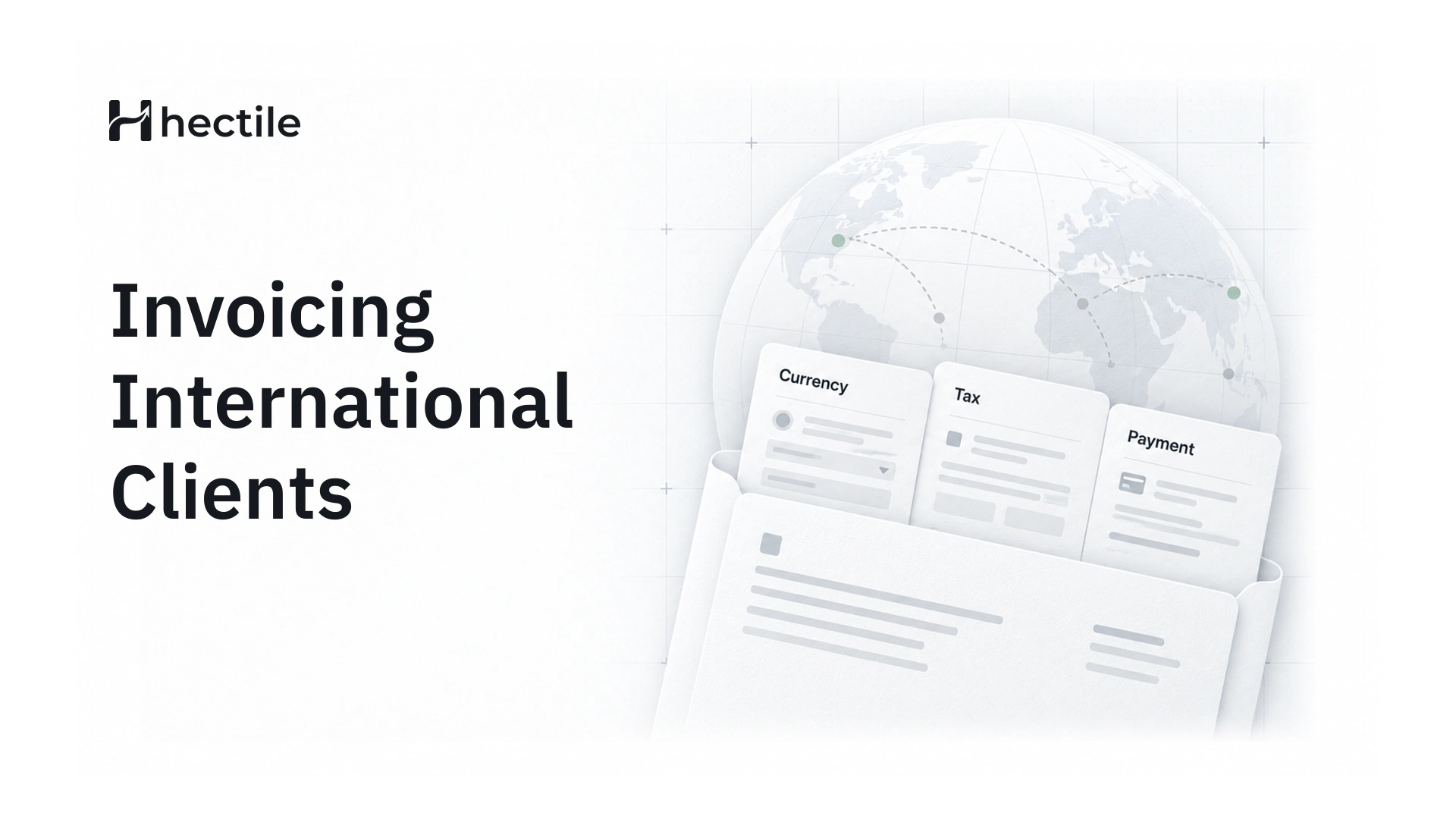
It depends on whether you're registered for a sales tax such as GST or VAT, and on where your customer is. If you're registered, you'll usually need to show the tax separately with its rate. If you're not registered, don't add tax, and check with an accountant once your turnover gets close to the registration threshold.
What's the difference between an invoice and a receipt?
An invoice asks for payment; a receipt confirms payment has been received. You send the invoice first, and once the money arrives, the payment is recorded against it. Many businesses send a short payment receipt at that point so the customer has their own record.