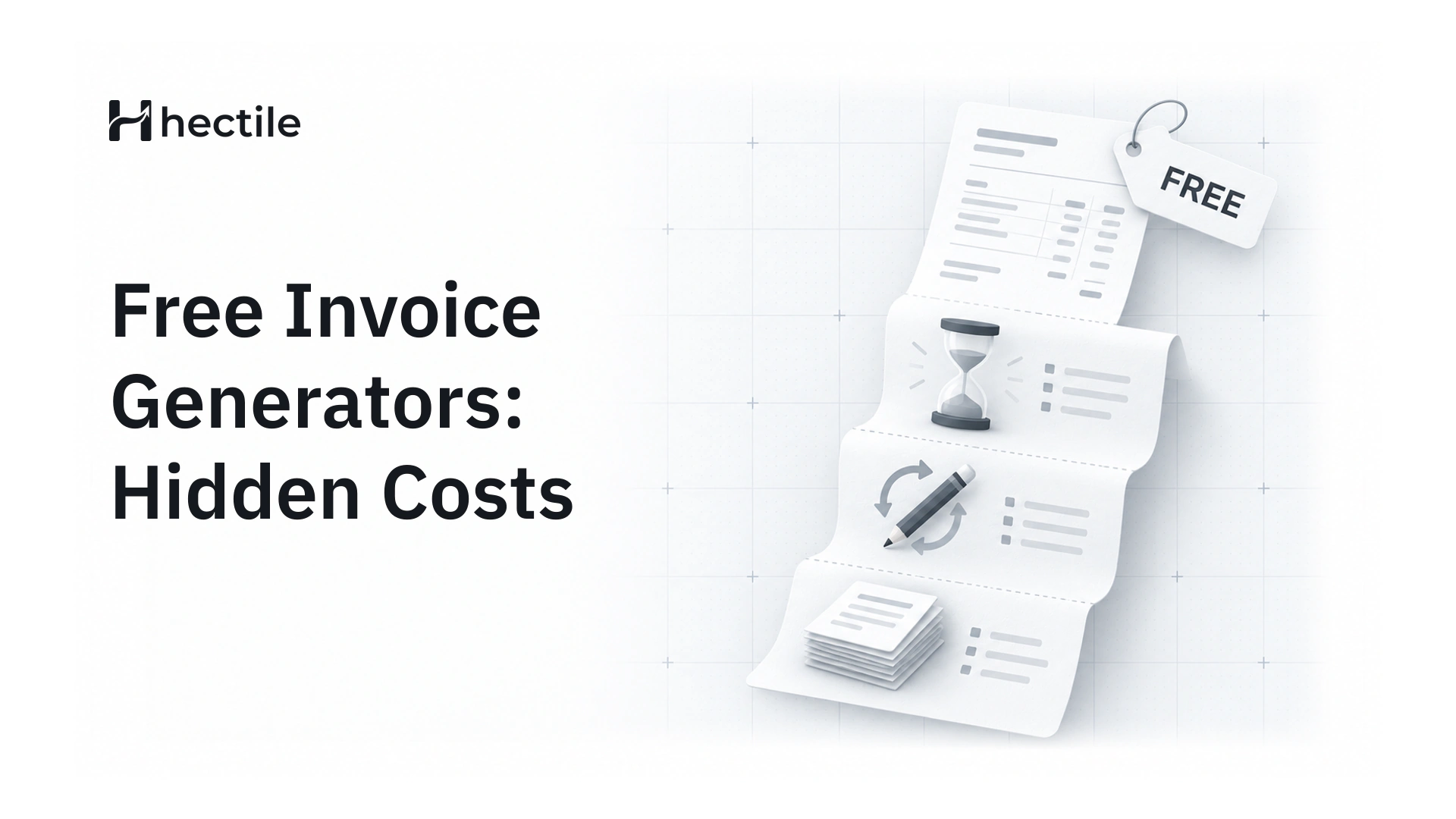
Are Free Invoice Generators Worth It? The Hidden Costs Most Small Businesses Miss
Free invoice tools are quick on day one. Here's what they quietly cost you by invoice number thirty, and how to tell when it's time to move on.
Written by: Hectile TeamPublished 7 min read
Last March, a freelance developer we spoke to spent most of a weekend rebuilding eighteen invoices from scratch. Her accountant needed them for the year-end filing. The free generator she'd used all year had kept her invoices in the browser, and a routine clean-up of her laptop had wiped them. She still had the PDFs she'd emailed out, scattered across her sent folder, but no list, no totals and no record of which ones had been paid.
Nothing about that tool was broken. It did exactly what it promised: it made invoices for free. The cost just turned up later, in a form that's easy to underestimate.
This article is an honest look at free invoice generators: where they're genuinely fine, where they start to hurt, and what to look for when you're ready for something sturdier.
Why free invoice generators are so popular
Let's be fair to them first. Free generators are popular for good reasons:
- They're fast. You can produce a decent-looking PDF in a couple of minutes.
- There's no sign-up. For a one-off job, that matters.
- They cost nothing. When you're just starting out, every subscription feels like a lot.
If you send three invoices a year, a free tool is probably all you need. The problems show up when invoicing becomes a regular part of running the business.
The hidden costs of free invoicing tools
Your records live somewhere you don't control
Many free generators don't keep a proper history at all. Some store your invoices in the browser, some delete them after a set period, and some only let you download a PDF and keep nothing. That's fine until you need a list of everything you billed last quarter, or until your laptop is replaced.
An invoice isn't just a request for money. It's a business record you may be required to keep for several years, depending on where you're based. If the only copy lives in an email attachment, you're one deleted folder away from a very long weekend.
Invoice numbering is left to you
Most free tools let you type any invoice number you like. That sounds flexible, but it means the tool won't stop you from using the same number twice or skipping ten numbers by accident. In many countries, invoice numbers are expected to run in a consecutive, unique sequence, and gaps or duplicates are exactly the kind of thing that raises questions in an audit. We go into the detail in our guide to invoice numbering formats and rules.
Someone else's branding on your invoice
Some free generators add their own logo or a "made with" line to the bottom of your invoice, unless you pay to remove it. It's a small thing, but your invoice is often the last document a client sees from you. A footer advertising someone else's product doesn't help the impression you're trying to leave.
No idea who has actually paid
This is the big one. A generator makes the document, and then its job is over. Whether the client paid in full, paid half, or hasn't paid at all is now your problem to track somewhere else, usually a spreadsheet. Part payments make it worse: a deposit here, a balance there, and the spreadsheet drifts from reality within a month.
Tax that's typed in by hand
If you're registered for GST or VAT, every invoice needs the right rate, your registration number and often a breakdown of each tax. Free tools typically give you a box to type a percentage into, and that's it. One wrong rate, or tax added to a price that already included it, and you're issuing corrections.
Limits that appear after you're settled in
Some free tools cap how many invoices you can send each month, or lock features such as downloading or saving customers behind a paid plan you only discover once you depend on them. Read the small print before you build a habit around a tool.
What it actually costs you
It's worth putting rough numbers on this, because "a bit of admin" sounds harmless. Imagine a small consultancy that sends 25 invoices a month:
- Admin time. If re-typing customer details, checking numbers and updating a payment spreadsheet takes 10 extra minutes per invoice, that's over four hours a month.
- Late payments. If two invoices a month go unchased for an extra two weeks because nobody noticed they were overdue, that's real money sitting in someone else's account.
- Corrections. Every invoice that's sent back for a wrong total, a missing reference or a tax error costs another round of emails and another week of waiting.
- Year-end clean-up. Rebuilding records for your accountant is the most expensive admin of all, because it lands at the worst possible time.
None of these shows up as a line on a bill, which is exactly why they're easy to ignore.
When a free generator is still fine
To be clear, there are situations where a free tool makes complete sense:
- You invoice once or twice a year, for a side project or a hobby.
- You need a single invoice today and won't need to find it again.
- You're testing whether an idea has paying customers at all.
If that's you, keep it simple. Just save your PDFs somewhere safe and keep your own list of numbers.
Signs you've outgrown free invoicing tools
A quick self-check. If two or more of these sound familiar, it's time to move on:
- You've had to ask yourself which invoice number comes next.
- You keep a separate spreadsheet just to track who has paid.
- A client has paid in instalments and you've lost track of the balance.
- You've sent the same invoice twice, or forgotten to send one at all.
- More than one person in your business creates invoices.
- You run more than one brand or trading name.
- Your accountant has asked for "a list of everything" and it took you more than ten minutes.
What to look for instead
You don't need heavyweight accounting software to fix any of this. What you need is a tool built around the invoice lifecycle: draft, issue, send, get paid. When comparing options, look for:
- Real records that are kept for you, searchable and always there.
- Automatic numbering that can't be duplicated or skipped once an invoice is issued.
- Your branding only, with your logo and details and nothing else.
- Payment tracking, including part payments, so the balance is always right.
- Tax profiles you set up once, so the right rates apply every time.
- Room to grow, such as more than one brand or a few teammates.
This is the gap Hectile was built for. Invoices start as Drafts without a number, so you can edit freely. When you finalize one, Hectile gives it the next number in that brand's sequence and locks the financial details. You can send it by email with a PDF and a secure link, record each payment as it arrives and see exactly what's still owed. Your PDFs carry your brand, not ours. If you run several businesses, each brand gets its own logo and numbering while sharing one customer list and one team. You can see how that compares with other tools on our comparison page, or read about everyday invoice software in more detail.
How to switch without losing your history
Moving away from a free tool doesn't mean starting from zero:
- Collect what you have. Save every invoice PDF you've sent into one folder, named by number.
- Note your last invoice number. In Hectile you can set the number your next invoice starts from, so your sequence continues from where your old tool stopped.
- Add your regular customers and services. Do this once and every future invoice fills in faster.
- Issue new invoices from the new tool only. Don't switch back and forth; that's how numbers get duplicated.
If you're starting fresh, our guide on how to write a professional invoice covers every field your first invoice in a proper system should have.
Frequently asked questions
Are free invoice generators safe to use?
For occasional invoices, most are fine. The main risks are around your records and your clients' data: check where the tool stores what you type, whether it keeps a history at all, and whether you can get your invoices back out if the tool changes or disappears.
Is a free invoice legally valid?
Yes. An invoice is valid because of what it contains, not because of the tool that produced it. As long as it includes the details your country requires, such as your business details, a unique number, dates, amounts and any tax registration information, it doesn't matter whether it was made in a free generator or paid software.
Do free invoice generators keep a copy of my invoices?
Some do and some don't, and the ones that do often keep them in your browser rather than in an account. If you clear your browser data or switch computers, those invoices can disappear. Always keep your own copy of anything you send.
When should a small business stop using a free invoice tool?
Usually when invoicing becomes regular. If you're tracking payments in a separate spreadsheet, losing count of invoice numbers, or sharing invoicing with someone else, a dedicated tool will save you more time than it costs.
Can I keep my old invoice numbers when I move to Hectile?
Yes. Hectile doesn't import invoices from other tools, so your earlier invoices stay as the PDFs you already sent. But you can set the number your next invoice starts from, so the sequence carries on without a gap.