Invoice Software vs Accounting Software: Which Does a Small Business Actually Need?
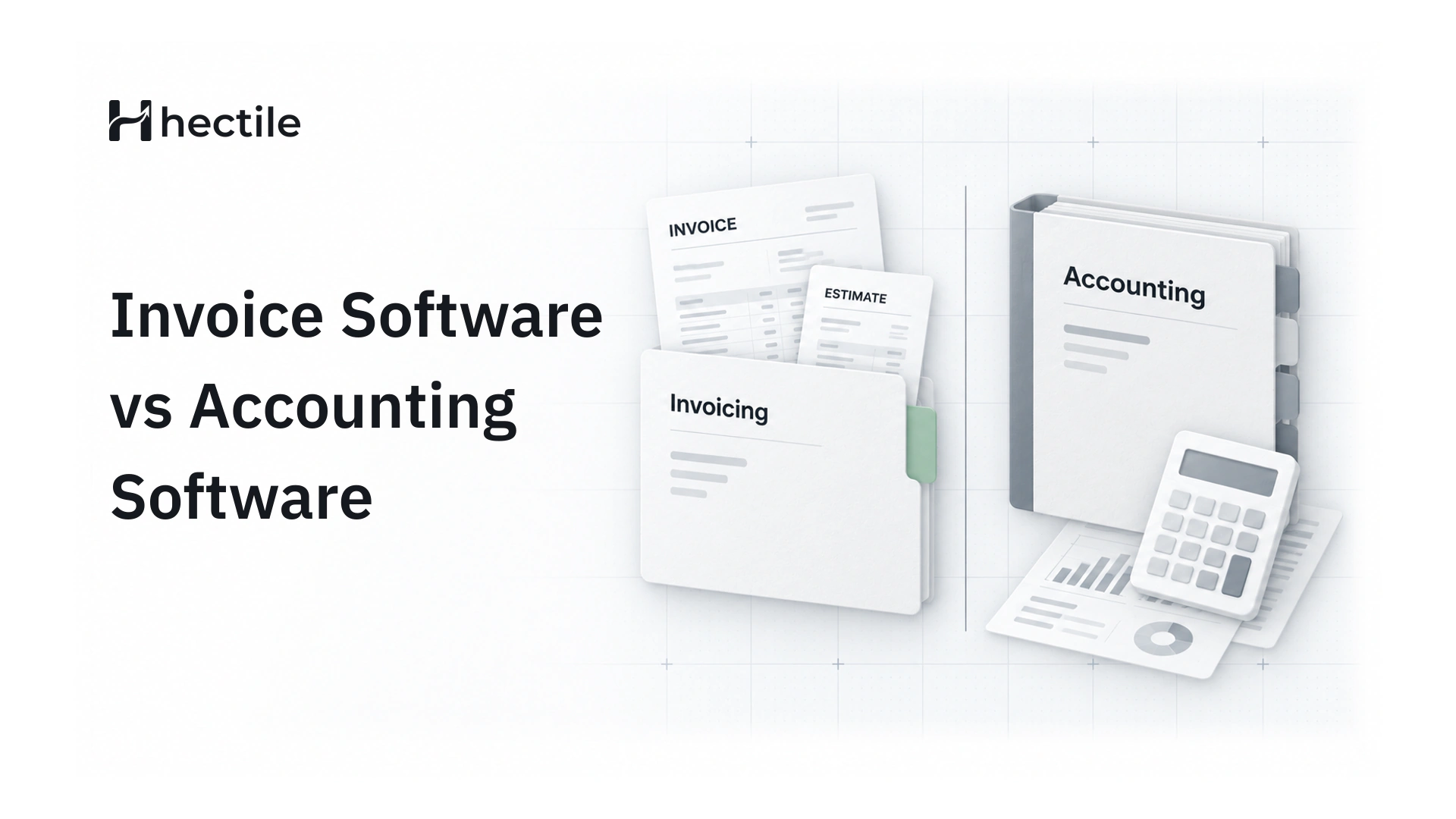
Many small businesses pay for a full accounting suite and use it to send invoices. Here's how to tell which tool you actually need, and when you need both.
Written by: Hectile TeamPublished 7 min read
In this article0% read
- The short answer
- What invoice software does
- What accounting software does
- Signs you only need invoice software
- Signs you need accounting software
- Two businesses, two different answers
- Questions to ask before you buy either
- Using both without doubling the work
- The cost of choosing the wrong tool
- Where Hectile fits
- Frequently asked questions
A photographer we know signed up for a well-known accounting package in her first year of business. Her accountant had recommended it. Twelve months later, she'd used it for exactly one thing: sending invoices. The bank feeds were never connected, the chart of accounts was untouched, and she was paying every month for a tool that felt like flying a plane to cross the street.
She isn't unusual. Invoice software and accounting software overlap, so it's easy to buy the bigger one "just in case". But they're built for different jobs, and choosing the wrong one costs either money or hours. This guide explains the difference and helps you decide which your business actually needs.
The short answer
| What you need to do | Invoice software | Accounting software |
|---|---|---|
| Send estimates and invoices | Built for it | Usually included |
| Track who has paid | Yes | Yes |
| Run several brands | Often a strength | Often one company per subscription |
| Reconcile your bank account | No | Yes |
| Produce a profit and loss statement | No | Yes |
| Run payroll or file tax returns | No | Often, or through add-ons |
| Learning curve | Minutes | Days to weeks |
If your main job is getting paid, start with invoice software. If your main job is keeping books, you need accounting software, or an accountant who keeps them for you.
What invoice software does
Invoice software is built around one lifecycle: quote the work, bill for it, get paid. A good invoicing tool handles:
- Estimates and quotes, with validity dates and a record of whether the customer accepted
- Invoices with proper numbering, tax and your branding
- Sending by email, with a PDF and a secure link
- Payment tracking, including deposits and part payments
- Reminders for invoices that are due or overdue
- Recurring invoices for retainers and monthly clients
- Customers and saved items, so every invoice fills in quickly
What it doesn't try to do is keep your books. There's no ledger, no bank reconciliation and no balance sheet.
What accounting software does
Accounting software is built around the ledger: every money movement in your business, categorized so you can produce financial statements. That usually means:
- a chart of accounts and double-entry bookkeeping
- bank feeds and reconciliation
- expenses, bills and receipts
- reports such as profit and loss, balance sheet and cash flow
- often payroll, inventory or tax filing, sometimes as paid add-ons
Invoicing is usually included, because sales are one input to the books. But it's rarely the part the software was designed around, and it shows in the workflow.
Signs you only need invoice software
If most of these are true, invoicing software is likely enough:
- Your accountant already keeps your books, or does them at year end from your records.
- You mostly sell services, with few expenses to track.
- What you actually struggle with is sending invoices on time and chasing payments.
- You run more than one brand and need each to look like itself.
- Several people in your team create quotes and invoices.
- You'd rather not learn bookkeeping terms to send a bill.
Signs you need accounting software
On the other hand, it's time for proper accounting software when:
- you keep your own books rather than handing them to an accountant
- you need monthly profit and loss figures to run the business
- you have significant expenses, stock or bills to manage
- you run payroll for employees
- your lender or investors expect regular financial statements
Even then, many businesses keep a dedicated invoicing tool alongside the accounting system, because the people who send invoices aren't the people who reconcile the bank.
Two businesses, two different answers
It helps to see how the decision plays out in practice.
A three-person consultancy
The consultancy sends around 30 invoices a month across two brands: a strategy practice and a training arm. Expenses are small, mostly software subscriptions and travel. Their accountant does the books quarterly from bank statements and the sales records.
What hurts is the sales side: estimates that never become invoices, invoices sent late, and nobody sure who has paid. Invoice software solves their actual problem. A full accounting suite would add a ledger nobody in the team wants to touch.
A retailer with stock and staff
A homeware shop buys stock from a dozen suppliers, pays four staff and needs monthly figures for its bank. It issues relatively few invoices, mostly to trade customers, but has hundreds of bills, stock movements and payroll entries every month.
This business needs accounting software, because its real work is the books. Invoicing is a small feature it gets along with them.
Questions to ask before you buy either
Before you commit to a tool, answer these honestly:
- Who will use it every week? If it's the people who sell and deliver, choose the tool they'll find easiest.
- Who keeps the books today? If it's your accountant, ask what they need from you, not what software they use.
- What's the job you dread most? Chasing payments points to invoicing. Year-end reconciliation points to accounting.
- How many brands or trading names do you run? Some tools charge per business, which adds up quickly.
- How many people need access? Check whether extra users cost more.
- What will it cost after the introductory offer ends? Compare the regular price, not the first three months.
Using both without doubling the work
The most common setup we see in small businesses is simple:
- Invoices, estimates and payments live in the invoicing tool, where the sales side of the team works.
- The books live with the accountant, in whatever accounting system they prefer.
- At the end of each month or quarter, the accountant reviews the invoices issued and payments received.
For this to work smoothly, your invoicing tool needs clean records. Your accountant will usually want:
- every invoice issued in the period, in an unbroken numbered sequence
- cancelled invoices kept, not deleted, so gaps are explained
- each payment with its date, amount, method and bank reference
- the tax charged on each invoice, broken down by rate
- a clear note of anything unusual, such as a write-off or a part payment
If those are right, your accountant's job gets faster, and that usually shows up on their bill.
The cost of choosing the wrong tool
Choosing too big is the more common mistake. It costs you in three ways:
- Money. Accounting suites are typically priced higher, and extra users often cost more on top.
- Time. Setting up accounts, tax codes and bank feeds before you can send your first invoice.
- Adoption. When a tool feels complicated, people work around it with spreadsheets, and the records drift.
Choosing too small costs you differently. If you genuinely need monthly accounts and your tool can't produce them, you'll end up rebuilding the books from invoices and bank statements at the worst possible time.
Where Hectile fits
Hectile is invoicing software, and deliberately so. It doesn't try to be your accounting system. What it does is make the sales side of the business clear and controlled:
- Estimates and invoices for every brand you run, each with its own logo, details and numbering
- Drafts with no number until you finalize, and issued invoices that never change
- Payments recorded against each invoice, with method, date and reference, and the balance always current
- Automatic reminders and recurring invoices for the routine work
- GST and VAT tax profiles so the right tax appears every time
- Up to 20 team members on one plan, with Admin and Member roles
When your accountant needs to see the records, you can invite them as a team member or send them the invoice PDFs.
If you're weighing Hectile against a full accounting package, our Hectile vs QuickBooks comparison goes through the differences point by point, and the comparison hub covers other tools. For a closer look at what Hectile includes, see everyday invoice software.
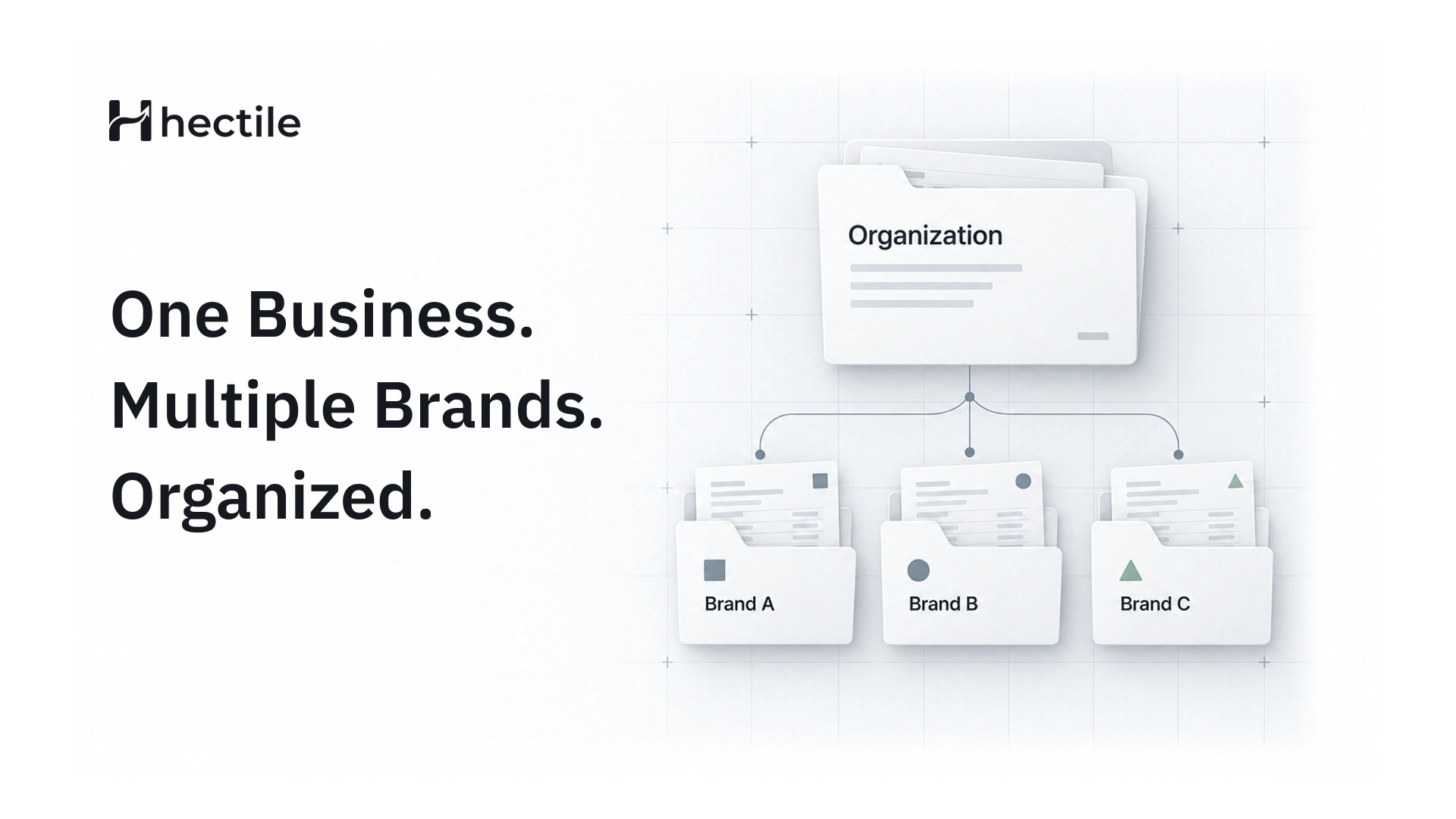
If you're still using a free generator, our article on the hidden costs of free invoice generators explains what changes when you move to a proper tool. And if you trade under more than one name, read how to keep invoicing organized across brands.
Frequently asked questions
Is invoice software the same as accounting software?
No. Invoice software focuses on estimates, invoices, sending and getting paid. Accounting software focuses on your books: the ledger, bank reconciliation and financial reports. Accounting packages usually include invoicing, but invoicing tools don't include bookkeeping.
Do I need accounting software if I have an accountant?
Often not. If your accountant keeps your books, what you need is clean sales records they can work from: invoices with consecutive numbers, issued invoices that don't change, and payments recorded with dates and references. A good invoicing tool provides exactly that.
When should a small business move to accounting software?
When you start keeping your own books, need monthly financial statements, manage significant expenses or stock, or run payroll. At that point, accounting software earns its cost. Many businesses still keep a separate invoicing tool for the team that sends invoices.
Can I use invoice software and accounting software together?
Yes, and many businesses do. The invoicing tool handles quotes, invoices, reminders and payment records; the accountant uses those records in their own system. The key is consistency: one place for invoices, one place for the books.
Does Hectile do bookkeeping?
No. Hectile is built for invoicing: estimates, invoices, customers, payment records, reminders and recurring invoices for every brand you run. It doesn't keep a ledger or reconcile your bank, so your accountant or accounting software handles the books.