How to Ask for Payment Politely: Reminder Emails That Get Invoices Paid (With Templates)
Most late payers aren't refusing to pay. They've forgotten. Here's when to remind them, what to say, and five templates you can use today.
Written by: Hectile TeamPublished 7 min read
In this article0% read
Here's something most people who chase invoices eventually learn: the majority of late payments aren't deliberate. The invoice landed in a shared inbox, the person who approves payments was on leave, or it was simply forgotten under a pile of other work. A polite nudge at the right moment fixes most of it.
The hard part is the nudge itself. Too early feels pushy, too late feels like an accusation, and every awkward email risks a relationship you've worked to build. This guide covers how to ask for payment politely: when to send reminders, how to word them, and five payment reminder email templates you can adapt today.
Prevent late payment before you need a reminder
The best reminder is the one you never have to send. A few habits cut late payments before they start:
- Agree payment terms before the work. Put them in the estimate or quote, not just on the invoice.
- Invoice promptly. An invoice sent the day work is delivered gets paid sooner than one sent three weeks later.
- Send it to the person who pays. Ask early who approves invoices and whether they need a purchase order number.
- Make paying easy. Clear bank details, a UPI ID or a payment link, and the invoice number to quote.
- Take a deposit on larger jobs. It confirms commitment and protects your cash flow.
If you get these right, most of your reminders will be the friendly "heads-up" kind rather than the awkward "overdue" kind. Our guide on how to write a professional invoice covers the details that get invoices approved first time.
Why a reminder beats waiting
It's tempting to give clients the benefit of the doubt and say nothing. In practice, silence costs you. A short reminder helps because:
- Invoices get buried. A reminder brings yours back to the top of the pile.
- Approval chains are slow. Your contact may need to forward it to someone else, and a reminder prompts them to do it.
- Due dates are easy to miss. A reminder a few days before makes the date real.
- It's simply professional. Businesses that remind consistently get paid more consistently.
When to send payment reminders
A simple, predictable schedule works better than chasing whenever you happen to remember. This one suits most small businesses:
- 3 days before the due date: a friendly heads-up.
- On the due date: a short note that payment is due today.
- 3 days after the due date: a polite check that the invoice arrived.
- Every 7 days after that, up to three times: firmer, but still courteous.
- After that, pick up the phone. Email has done what it can.
If your terms are short, say "due on receipt", skip the first step and start from the due date.
How to write a reminder that actually gets paid
The best reminders are boring in the right way: short, specific and easy to act on. A few principles:
- Put the invoice number and due date in the subject line. It makes the email searchable and impossible to misread.
- State the amount due. If part has been paid, state the remaining balance, not the original total.
- Make paying easy. Include a link to the invoice, attach the PDF, or repeat your payment details.
- Ask for one thing. Payment, or a date when payment will happen. Not both, not five things.
- Assume good faith. "Just checking this reached you" works better than "You haven't paid".
- Keep a consistent sign-off. Use your business or brand name, so it's clear who the money is going to.
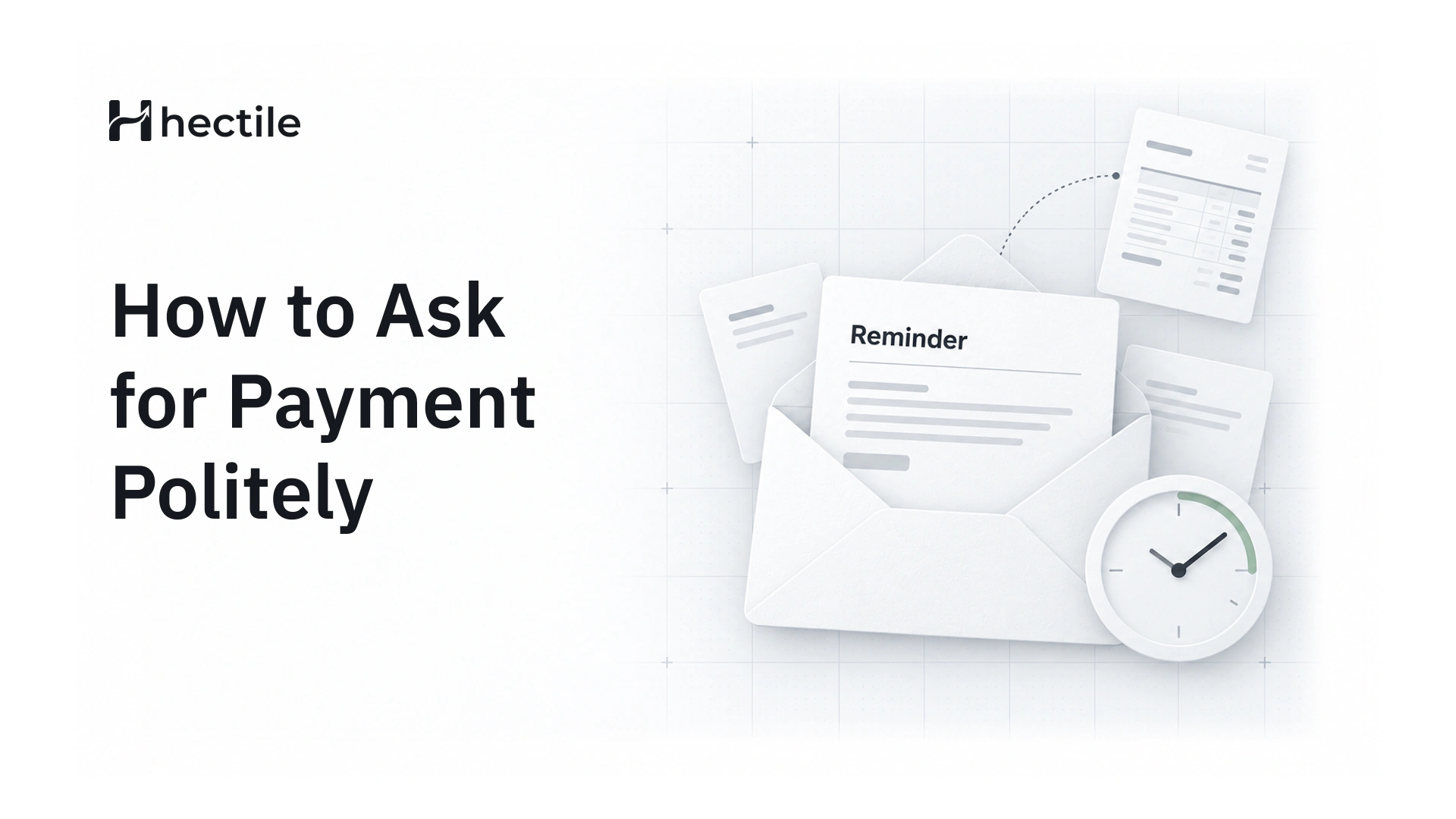
Five payment reminder email templates
Copy these and adjust them to your own voice. Replace anything in brackets.
1. Before the due date
Subject: Reminder: Invoice [number] is due on [due date]
Hi [name], a quick heads-up that Invoice [number] for [amount] is due on [due date]. You'll find the invoice and payment details at the link below. Thanks, and let me know if you need anything from us. [Your business]
2. On the due date
Subject: Invoice [number] is due today
Hi [name], Invoice [number] for [amount] is due today. If it's already on its way, thank you, and please ignore this note. If not, the payment details are on the invoice at the link below. [Your business]
3. A few days overdue
Subject: Overdue: Invoice [number]
Hi [name], I wanted to check that Invoice [number] reached the right person. It was due on [due date], and [balance] is still outstanding. Could you let me know when we can expect payment? Happy to resend anything that's needed. [Your business]
4. Second overdue reminder
Subject: Second reminder: Invoice [number], [days] days overdue
Hi [name], following up on Invoice [number], which is now [days] days overdue with [balance] outstanding. If there's a problem with the invoice, or you'd like to arrange payment in parts, just reply and we'll sort it out. Otherwise, could you confirm a payment date this week? [Your business]
5. Final reminder before pausing work
Subject: Final reminder: Invoice [number]
Hi [name], Invoice [number] for [balance] is now [days] days overdue, and we haven't been able to confirm a payment date. Under our agreed terms, we'll need to pause further work until it's settled. I'd much rather avoid that, so please reply or call me today and we'll find a way forward. [Your name, Your business]
Make each template your own
Templates save time, but a reminder that sounds like a form letter is easy to ignore. Add one personal line where it helps, such as a reference to the project, the person's name or the last conversation you had. And send reminders from the address the client already knows, under the brand they bought from, so the email doesn't look like it came from a stranger.
Getting the tone right
Firm and polite aren't opposites. A few do's and don'ts:
- Do keep it short. Three or four sentences is plenty.
- Do stick to facts: the number, the amount, the date.
- Don't write in capitals or stack exclamation marks.
- Don't add guilt ("we're a small business and this really hurts us"). It rarely speeds anything up.
- Do offer a way out, such as paying in parts, if a client is clearly struggling.
When reminders don't work
Sometimes a client goes quiet. When three or four reminders haven't worked, step it up in this order:
- Call your contact directly. A phone call cuts through in a way email doesn't.
- Ask who approves payments, and contact them politely.
- Offer a payment plan. Some money now is better than all of it later, or never.
- Apply late fees if your agreed terms include them.
- Pause work on any ongoing projects, as your terms allow.
- Send a formal letter before considering collections or legal routes.
Throughout, keep good records. Every reminder, call and part payment should be noted against the invoice.
Let reminders send themselves
Writing reminders by hand works when you have five clients. With fifty, it's the first job that slips. That's why we built automatic payment reminders into Hectile.
You create a few reminder rules once: for example, 3 days before the due date, on the due date, and 3 days after it, repeating every 7 days up to three times. Each rule has its own subject and message, with placeholders for the invoice number, customer name, balance due, due date and days overdue, filled in from the invoice at the moment it's sent. You choose whether to include the secure invoice link, the PDF, or both, and a rule can apply to every brand or just one.
Most importantly, Hectile checks each invoice at send time. If it's been paid in the meantime, the reminder doesn't go out, so a client who paid yesterday never gets an awkward "overdue" email today. When you want a personal touch, the Send Reminder button on any invoice opens a ready-written message you can edit before sending.
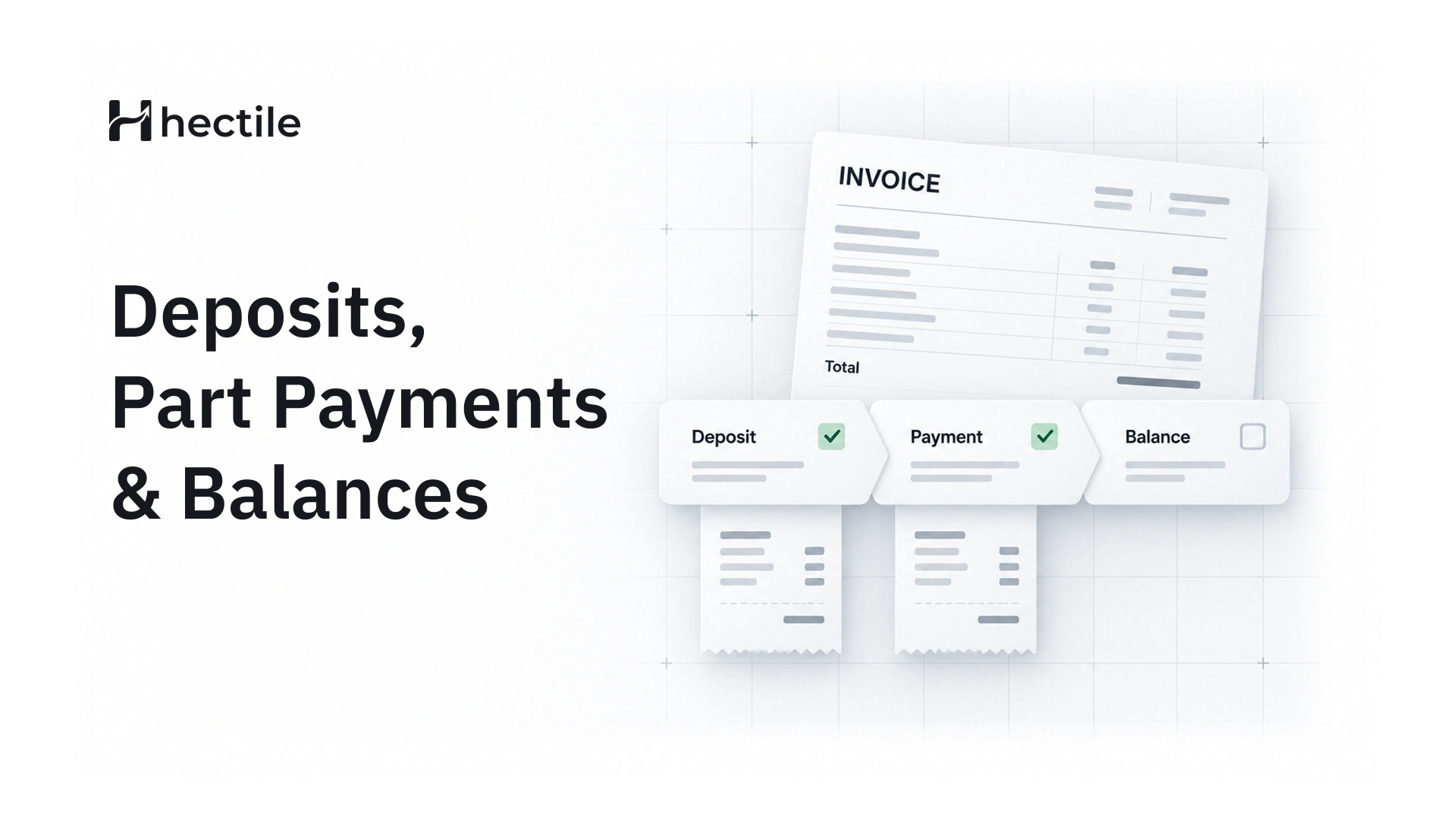
See the features page for the full picture, and our Help guide on sending documents and links for how links and PDFs work. If your clients pay in instalments, read how to track deposits, partial payments and balances so your reminders always quote the right amount. And if you bill the same clients every month, recurring invoices take care of the invoice itself.
Frequently asked questions
How do you politely ask for payment?
Be short, specific and friendly. Mention the invoice number, the amount and the due date, make it easy to pay with a link or the payment details, and ask for one clear next step. Assume the delay is an oversight rather than a refusal; it usually is.
When should I send a payment reminder?
A good default is three days before the due date, on the due date, and three days after it, then weekly for a few weeks. Adjust it to your payment terms and your relationship with the client.
How many payment reminders should I send?
Usually three or four by email, spaced about a week apart once an invoice is overdue. If those don't work, switch to a phone call. More emails rarely help after that point.
Should I add a late fee to an overdue invoice?
Only if late fees were part of the terms your client agreed to before the work started. Adding one afterwards tends to damage the relationship and may not be enforceable. If you want late fees, put them in your terms and on every invoice.
Can payment reminders be sent automatically?
Yes. In Hectile you set reminder rules once, before, on or after the due date, and reminders go out on schedule with the invoice details filled in. Paid invoices are skipped automatically, so nobody is reminded about an invoice they've already settled.